

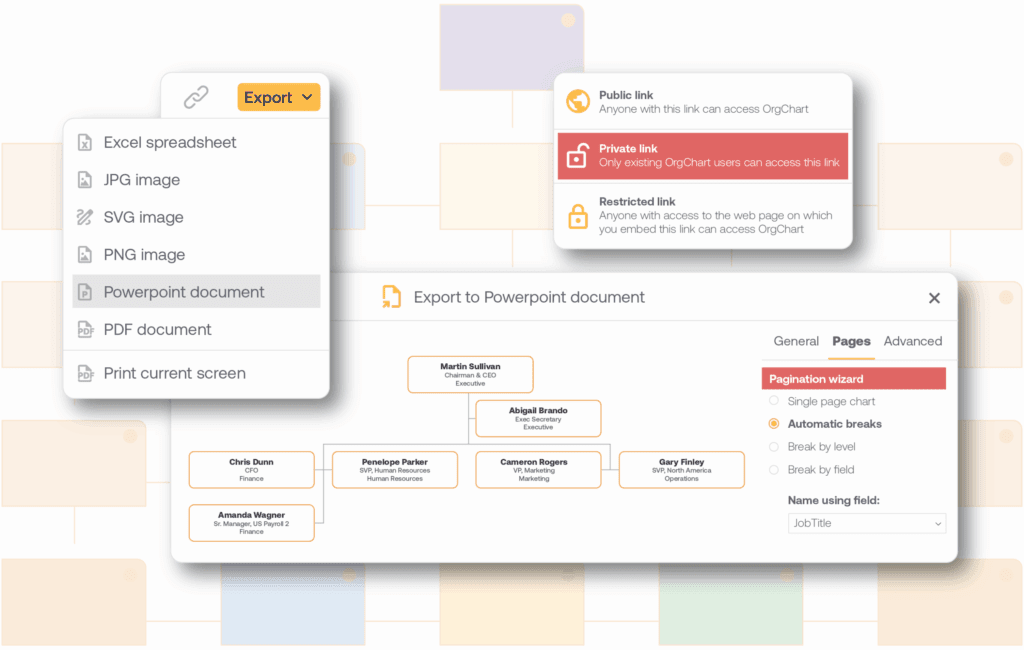
Customize and Export Your Dayforce Org Chart
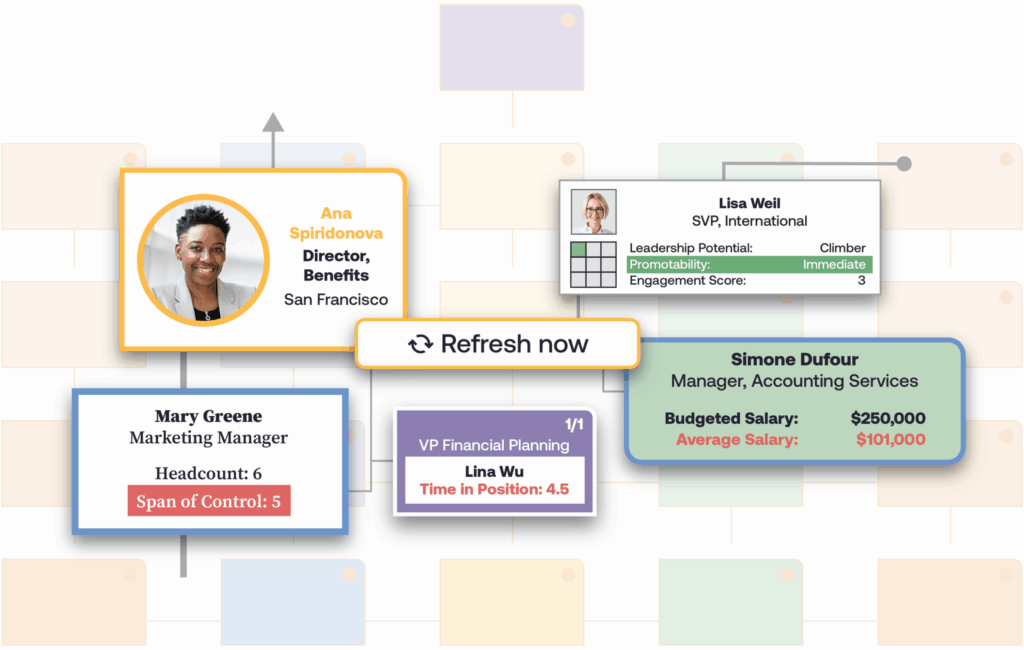
Plan Your Dayforce Org Structure with Scenario Modeling
Dayforce Integration: Step-by-Step

Connect
Link your Dayforce account to OrgChart once, along with any additional HR data sources such as an ATS. That replaces the manual export you'd otherwise repeat every time someone needs an updated chart.
Sync
Set a cadence, daily, weekly, or on demand, and the chart updates itself. No one has to remember to pull a fresh Dayforce export before a planning meeting.
Visualize
Apply colors, filters, and calculations to build the specific view a decision needs, a reorg scenario, a headcount review, a board deck, instead of rebuilding the chart from scratch each time.
What Data Syncs from Dayforce?
Every planning question your team asks already has an answer inside Ceridian Dayforce: who reports to whom, which cost center owns a role, which positions are ending. The problem starts when someone has to rebuild that picture by hand every time a chart needs updating.
- Position and reporting-line data: pulled automatically, so no one manually redraws who reports to whom after a reorg.
- Cost center and location fields: synced with each position, so cost center and location come with the chart instead of a separate spreadsheet lookup.
- Compliance-relevant fields: termination date and employment status update automatically, so a chart never shows someone who left two weeks ago.
The result is an automated org chart that stays current without anyone exporting or re-entering data from Dayforce.
See the Dayforce Integration in Action
Get a walkthrough of how OrgChart connects to Dayforce and turns your synced data into a live org chart.
Trusted By Thousands to Chart Millions


Frequently Asked Questions
OrgChart pulls what you need to answer planning questions without leaving the chart: reporting lines, cost center and location, and compliance-relevant fields like termination date and employment status. It updates on the schedule you set, so you’re never working from an outdated export.
No. OrgChart adds a planning layer on top of Dayforce, including position management for roles that are approved but not yet filled, reorg scenarios, and export to PowerPoint or PDF. A demo can walk through exactly how it fits alongside what you already use in Dayforce.
You set the cadence: daily, weekly, or on demand. When a position changes or someone leaves in Dayforce, that update carries over automatically, so you’re not manually re-pulling data before every meeting.
Yes. If your team also runs an ATS or an ERP system such as SAP or Oracle, OrgChart blends that data with Dayforce in one chart. You get one view instead of stitching together exports from separate platforms.
Yes. Dayforce data moves through OrgChart’s security and compliance practices, covering how employee data is stored, accessed, and protected. Your compliance team can review those practices directly before signing off on the integration.
OrgChart syncs confirmed Dayforce HCM fields: position, reporting line, cost center, and location. Whether specific workforce management data, like scheduling or time and attendance, is available depends on your Dayforce configuration, so confirm the exact field list with your OrgChart contact before setup.
See Your Dayforce Data as a Live Org Chart
Get a walkthrough of how OrgChart syncs with Dayforce and turns your HCM and workforce data into a chart built for planning, not just viewing.