

Trusted By Thousands to Chart Millions


Why OrgChart for Workforce Planning?
Discover the key benefits of our strategic workforce planning software.
Save Hours
Drag & Drop
Collaborate With Leaders
Stress Test Multiple Scenarios
Stay Within Budget
Make Informed Decisions

See OrgChart’s Workforce Planning In Action
Stop wasting time planning your future on spreadsheets. Start planning with workforce planning software where you can strategically visualize your organizational changes.

See Workforce Plans Built From Your Real-Time HR Data
Replace spreadsheets with visual plans that empower leaders to make strategic decisions.

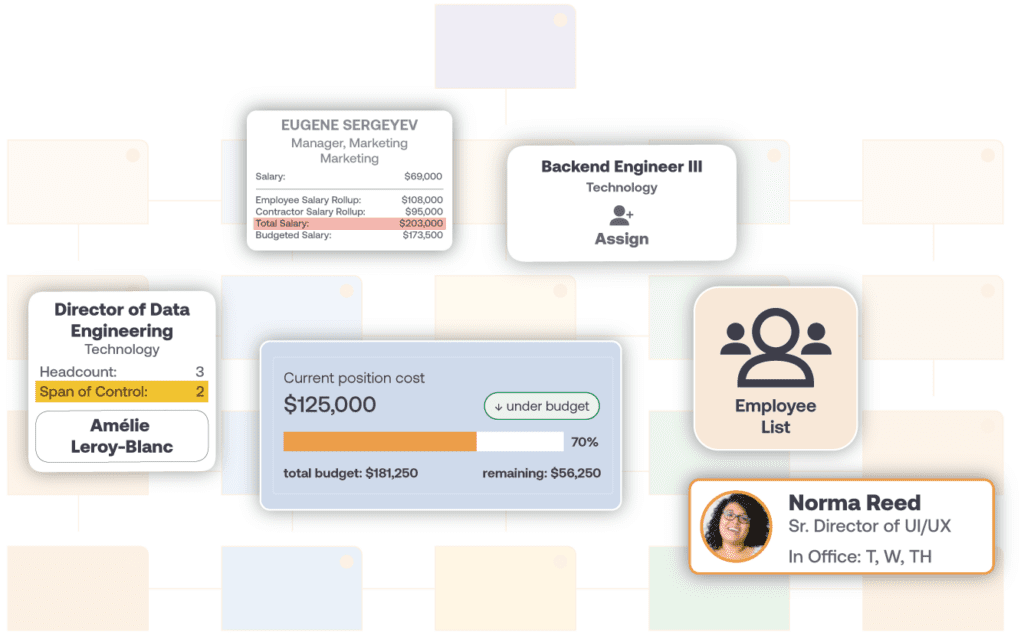
1. Set Your Baseline: Connect Your HR Systems
– HRIS
– ATS
– Performance Management Systems
– Spreadsheets and CSV files
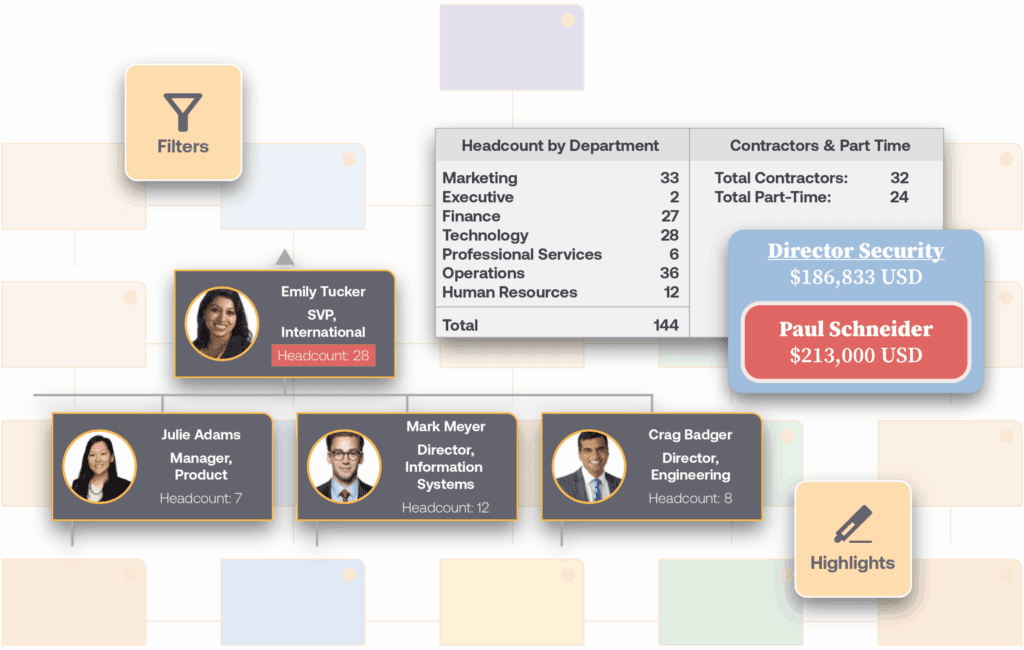
2. Collaborate: Invite Your Leadership Team
– Finance
– Executives
– Operations
– Team Leads
– Board Members

3. Strategize: Plan by Position
– Headcount
– Salary
– Experience
– Position Requirements
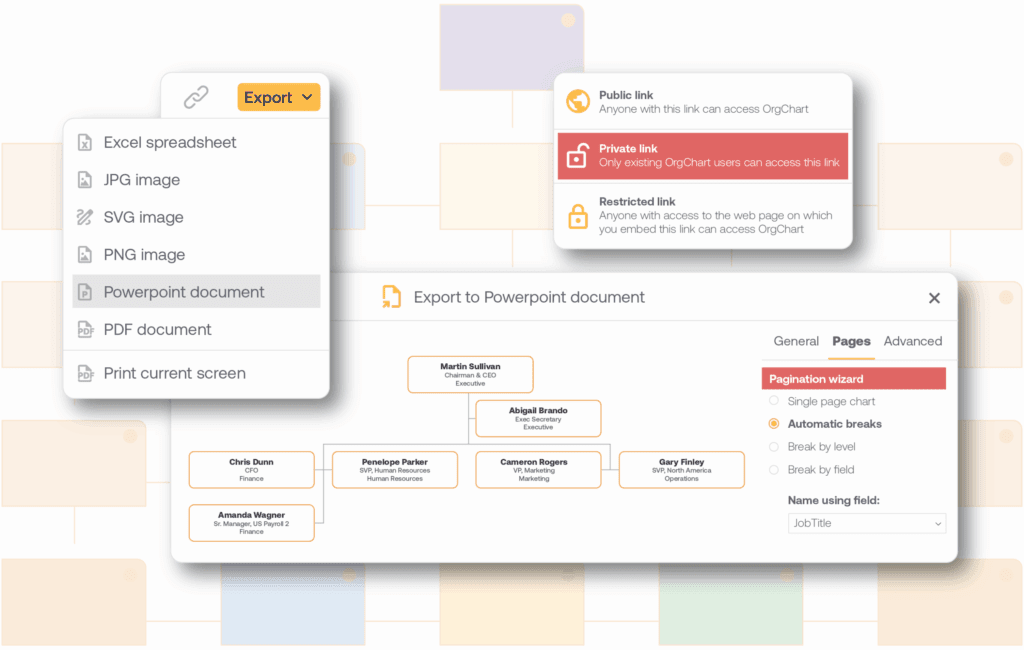
4. Approve: Lock In the Best Plan
– PPT
– PNG
– SVG and more
FAQ
Workforce planning software helps team model, track, and approve changes to headcount, structure, and cost before they happen. OrgChart’s workforce planning software is built directly on your live org chart, so every scenario you model uses real headcount, salary, and vacancy data instead of a static spreadsheet import.
Workforce planning is the process of aligning your current and future workforce, including headcount, skills, and structure, with your organization’s business goals. For a full breakdown of strategies and best practices, see our blog: What Is Workforce Planning? For best practices, read our guide “A Practical Guide to Strategic Workforce Planning.”
Position management organizes your org chart around positions, a role and its requirements, rather than just the employee filling it. With position management, you can easily visualize vacant positions or new roles. When workforce planning, using position management, or planning by position, lets you build scenarios using both position and employee data and easily drag and drop employees into different positions. Learn more about Position Management.
OrgChart’s sync directly with your connected systems, including ADP, Workday, BambooHR, UKG, and Paylocity, so your workforce plans are built on current data. You can also build alternate scenarios in a secure planning environment without changing your live HRIS data. Learn more about org chart automation.
Because OrgChart plans by position rather than by employee alone, vacant positions show up directly on your org chart alongside filled ones. This gives you a full view of headcount and open roles, not just current employees, so you can plan hiring and restructuring around the positions your organization actually needs.
OrgChart lets you invite finance, operations, executives, and other people leaders into a shared, permissioned workforce plan, so everyone works from the same live data instead of a separate spreadsheet. You can track comments, changes, and approvals in one place, then share the finalized plan as a live link or export it to PDF, PPT, PNG, or SVG.
Set headcount, position, and budget targets in your plan, then drag and drop employees and positions to build out a scenario. For best practices, read our guide, A Practical Guide to Strategic Workforce Planning.
Common Use Cases for Workforce Planning Software
| Use Case | How OrgChart Helps |
| Merger or Acquisition | Blend data from two different HR systems to plan the future joint organizational structure. |
| Organization Growth | Map out additional roles, new team structures, and promotions, all while staying within headcount and cost targets. |
| Restructuring | Analyze both people and position data in one place to see the entire picture and analyze the impact of your reorg before making it permanent. |
| Reduction in Force (RIF) | Whether you are cutting costs or increasing efficiencies, OrgChart can help you stay within budget and track your desired outcome. |