

Trusted By Thousands to Chart Millions


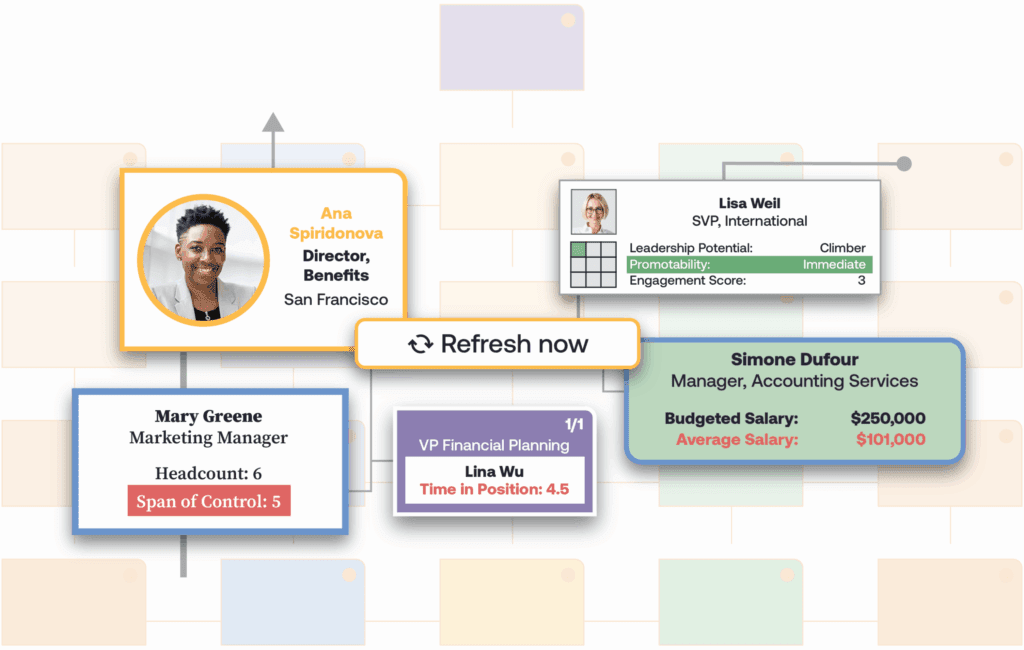
Org Charts That Update Themselves

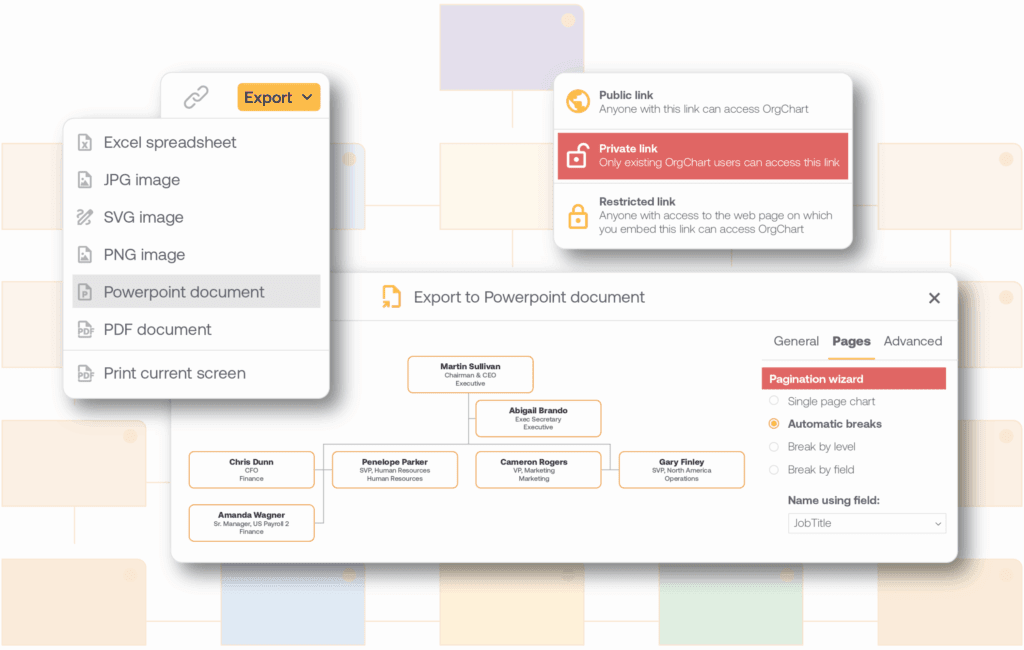
Customize Charts for Any Audience

Plan by Position, Model What’s Next
isolved Integration: Step-by-Step

Ask for OrgChart
Contact your isolved rep or book a demo. Nothing to export or configure.
Enable and Sync
Once enabled in People Cloud, your chart builds from isolved data automatically.
Visualize and Share
Customize your charts and share them in the format your audience needs.
What Syncs from isolved
OrgChart syncs employee name, job title, department, and reporting lines from isolved People Cloud. Open roles can be added through an ATS or external data source.
Historical Org Charts for isolved Customers
Once isolved is connected, OrgChart can archive historical org charts, so you can look back at past structures for audits, reorganizations, and growth analysis. Read more about historical org charts.
Use Cases
- Answer “who reports to whom” at any point in time.
- Prepare a presentation-ready org chart in minutes, not hours, before a leadership meeting.
- Spot span-of-control and reporting-line issues before they grow.
- Model headcount changes with stakeholders in workforce planning before submitting them for budget approval.
Ready to Put Your isolved Data to Work?
Book a demo to see how OrgChart turns your isolved People Cloud data into a chart your whole organization can use.

FAQ
Yes. Through a partnership with isolved, announced in August 2026, OrgChart’s org chart and workforce planning tools are embedded in People Cloud. Availability varies by organization configuration, so your isolved representative can confirm what applies to you.
isolved customers can contact their isolved representative or use the OrgChart listing in the isolved Marketplace. Availability varies by organization configuration. You can also Book a demo to see OrgChart working with isolved data first.
OrgChart is embedded in directly within isolved People Cloud, so there is no separate login, manual export, or third-party configuration to manage. Your isolved representative can confirm the setup for your organization.
Once it is enabled, OrgChart connects to your isolved employee data, including employee number, name, job title, and supervisor or manager, and updates the chart as hires, transfers, and departures are recorded. No manual effort is required, as the API automatically sync data between the systems.
Yes. OrgChart allows you to build custom views from your isolved data, showing details such as salary, span of control, headcount, and location, without a separate export. Each view remains accurate as isolved data changes.
OrgChart supports SSO and MFA and applies security and compliance controls to connected HR data. See OrgChart’s security and compliance details for how data is handled. Granular controls let you limit which fields and branches appear in a shared chart.