

Trusted By Thousands to Chart Millions


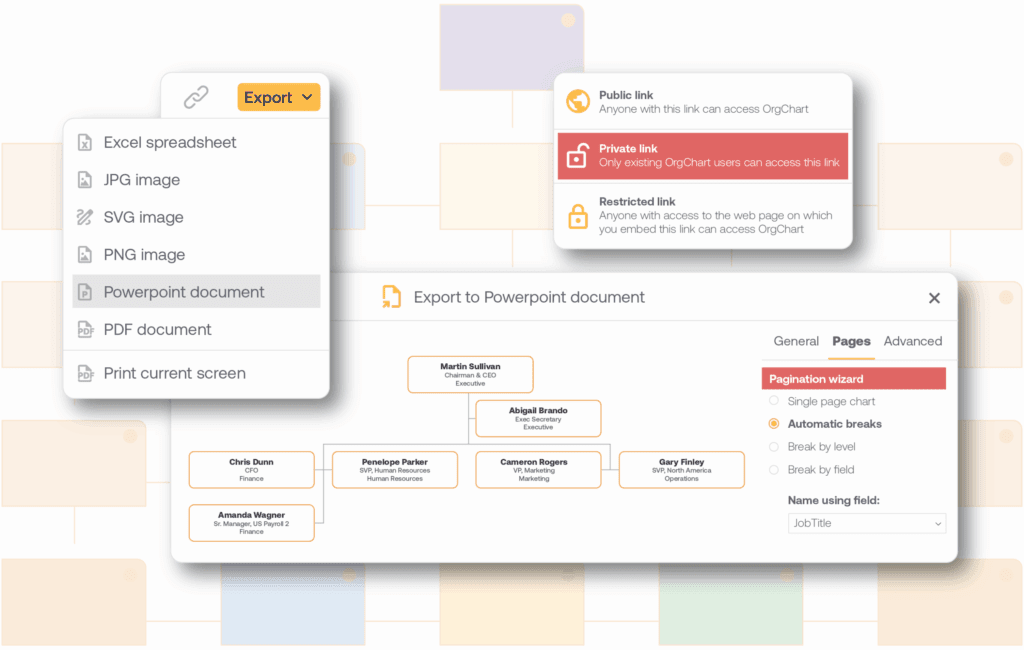
What Data Syncs from Paylocity
Paylocity Integration: Step-by-Step

Connect
Connect your Paylocity account to OrgChart, along with any other HR systems you use, through the integrations hub. This replaces the manual work of exporting employee lists from Paylocity and reformatting them by hand every time you need an updated chart.
Sync
Once connected, OrgChart syncs your Paylocity data on the cadence you choose daily or on demand. Instead of rebuilding your chart from scratch whenever headcount changes, your org chart updates automatically to reflect new hires, departures, and reporting changes.
Visualize
With synced data in place, customize your chart with colors, filters, and calculations to highlight what matters, department, location, or reporting depth. This removes the manual formatting work of building a presentation-ready chart by hand for every leadership update.
See Your Paylocity Data as a Live Org Chart
Connect your Paylocity account and see how quickly your organization's structure becomes visible, shareable, and easy to keep current.
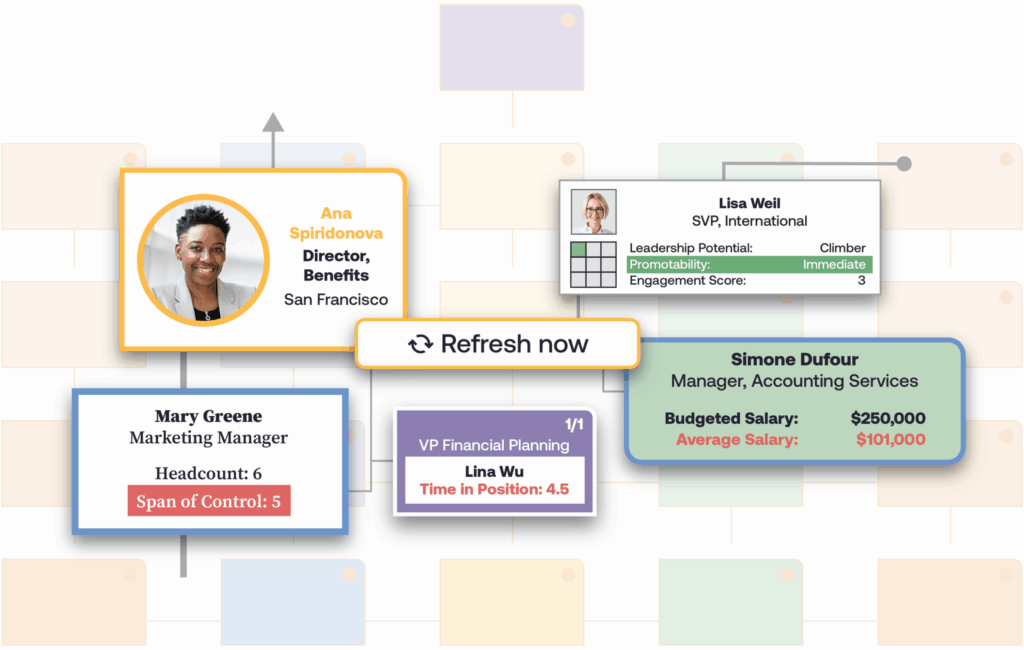
What OrgChart Adds to Your Paylocity Data
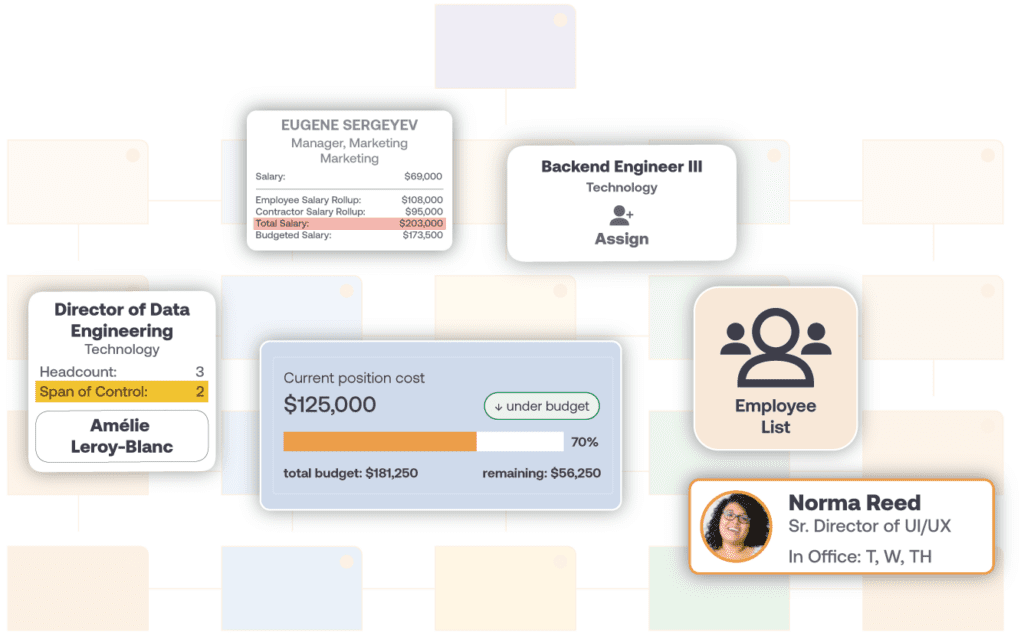
Org Chart Views You Can Build from Paylocity Data
By department: see reporting structures within a single team or across the company.
By location: view org structure for a specific office, region, or country.
By reporting depth: zoom into a manager’s direct team or expand to see the full chain of command.
Each view updates automatically as your Paylocity data changes, so you’re not rebuilding views from scratch every time headcount shifts.
Historical Org Charts from Paylocity Data
Paylocity shows your current org structure. OrgChart also keeps a history of that structure over time, so you can look back at what your organization looked like at an earlier point, useful for tracking growth, reviewing past reorgs, or reporting on structural changes over a specific period.
Use Cases
- Answering “who reports to whom” during a reorg, without waiting on a Paylocity data export.
- Preparing a board-ready org chart in minutes instead of hours before a leadership meeting.
- Spotting span-of-control or reporting-line issues before they become bigger problems.
- Modeling headcount changes for workforce planning before submitting them for budget approval.
FAQ
Yes. OrgChart connects directly to your Paylocity account through a secure API integration, pulling employee, job, and reporting data to build your org chart automatically, no manual data exports or spreadsheet work required.
OrgChart syncs employee demographic and job data, reporting-line (supervisor) assignments, department, location, and employment status from Paylocity. Open or vacant positions aren’t part of the automatic sync and can be added via manual upload instead.
You control the sync cadence. Most organizations sync daily, though updates can also be triggered on demand whenever Paylocity data changes, so your chart stays current without manual rebuilding.
Yes. If you use additional HR, applicant tracking, or payroll systems alongside Paylocity, OrgChart can blend that data into a single chart, giving you one accurate view instead of switching between systems.
Yes. OrgChart’s security and compliance practices govern how Paylocity data is transmitted, stored, and accessed, so your employee data is protected throughout the integration.
You’ll need a Paylocity admin to register OrgChart as a vendor integration within Paylocity and share your company ID with OrgChart’s support team, who help configure the connection from there. It’s a one-time admin step rather than an ongoing IT commitment.
Yes. Once synced, you can filter your org chart by department, location, or reporting depth without exporting or rebuilding anything in Paylocity.
Ready to See Your Paylocity Data as an Org Chart?
Book a demo to see how OrgChart turns your Paylocity data into a chart your whole organization can use
