

Trusted By Thousands to Chart Millions


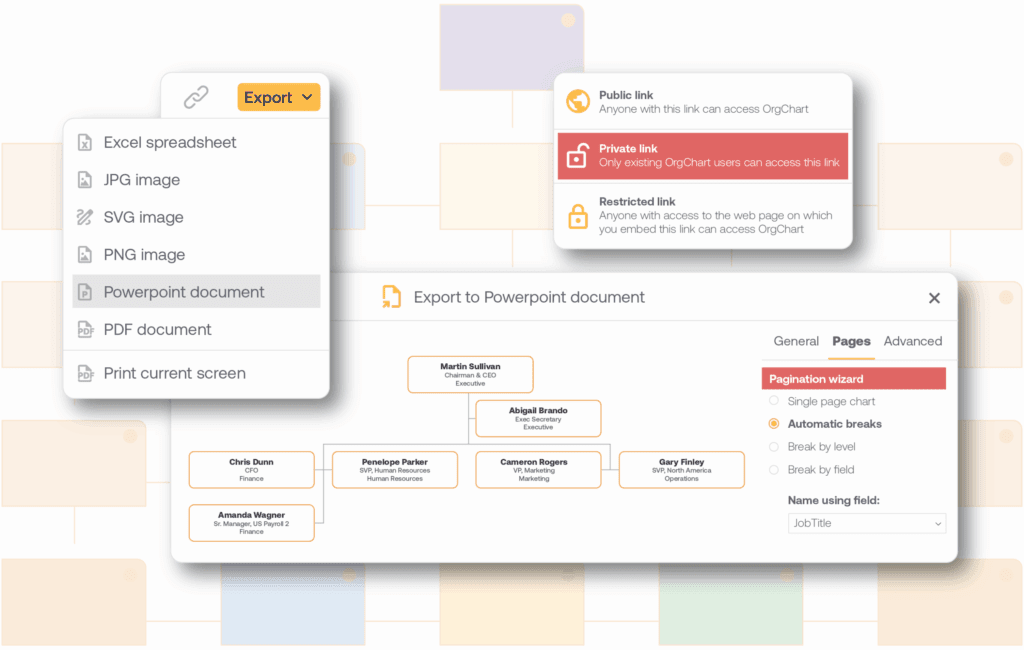
Easily Export Your Workday OrgChart

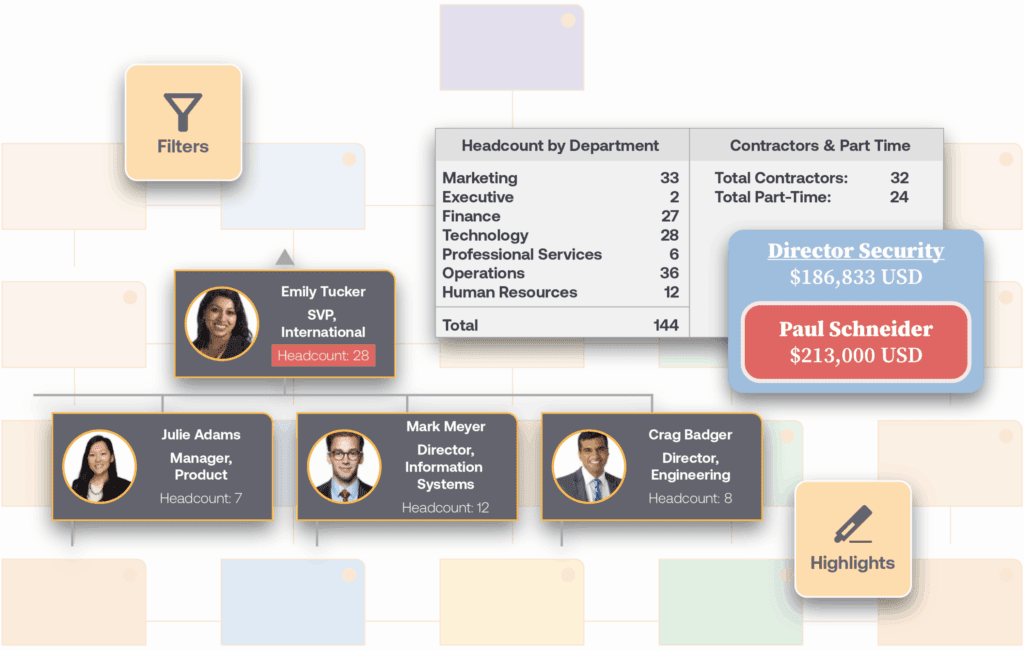
Customize Your Workday Org Chart for Strategic Insights
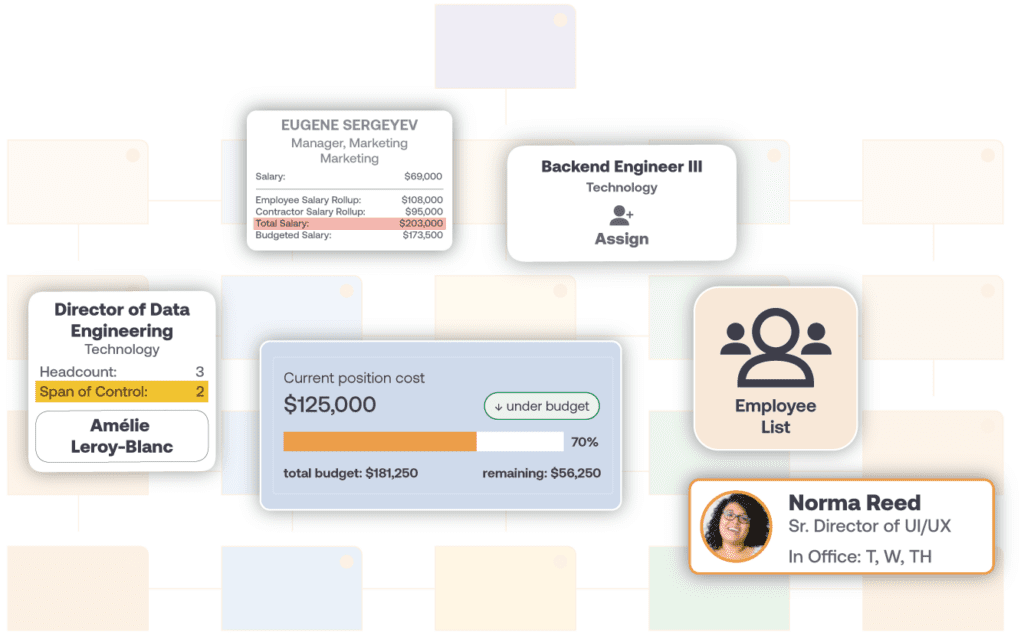
Plan Your Workday Org Structure with Scenario Modeling
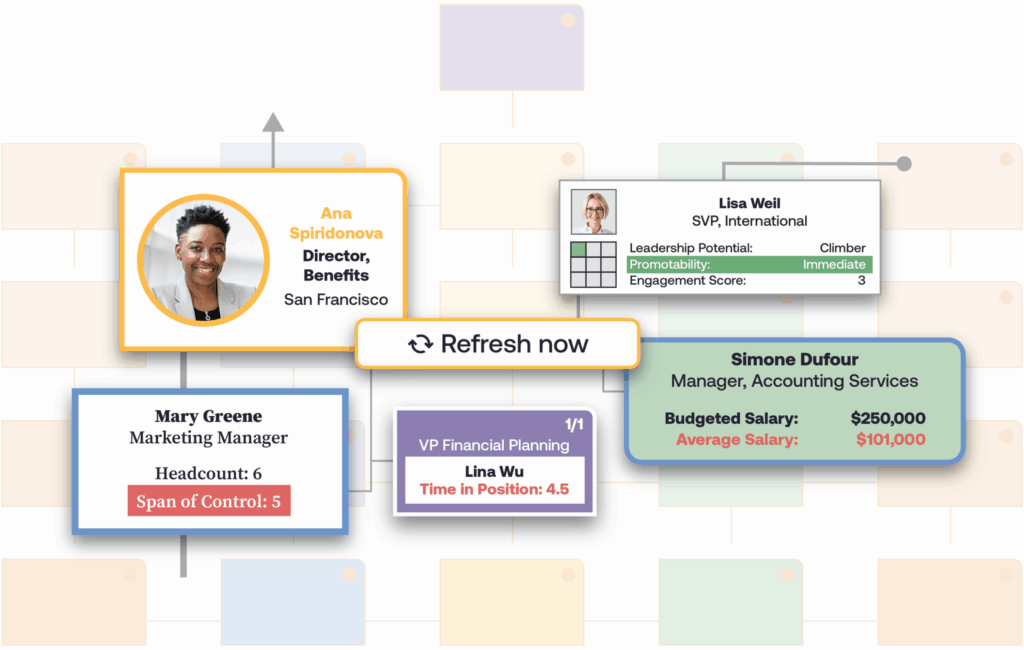
How the Workday Integration Works
Frequently Asked Questions
Yes. OrgChart connects to Workday via Workday RaaS, a secure read-only API. It reads employee records, reporting relationships, job titles, and location data on a schedule you configure. Org charts generate automatically with no manual exports required.
Workday does not support direct export to PDF or PowerPoint. To export a Workday org chart in presentation-ready formats, connect a dedicated tool like OrgChart. Charts generate from live Workday data and export to PDF, PowerPoint, or a shareable web link automatically.
OrgChart syncs employee names, job titles, department assignments, reporting relationships, and locations from Workday. Photos, cost center data, and additional fields can be added through Workday RaaS report configuration. ATS and secondary HRIS data can also be appended to produce a single org chart from multiple sources.
Yes. OrgChart connects to multiple data sources simultaneously. Workday employee data can be combined with an ATS, a secondary HRIS, or a CSV file to produce a single org chart. This is useful for organizations that manage open positions, contractors, or new hire data outside of Workday.
Connect Workday to OrgChart
See how OrgChart pulls live data from your Workday instance to generate org charts that are always current, shareable in seconds, and ready for workforce planning.